On the Main Menu of CHARMS, the Progress Workflow widget (available to users with the MODIFY_ALL_REFERRALS permission) makes it easy to manage follow-up (linked progress) actions for CHARMS records.
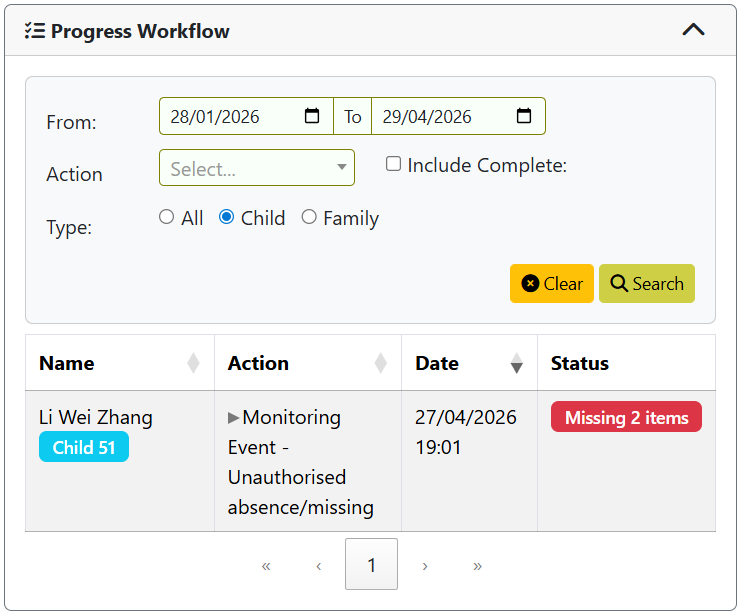
This widget highlights master progress items where required follow-up actions have not yet been recorded, allowing users to see at a glance which actions are still outstanding.
For example, if a “Unauthorised absence” action has been recorded but a “Return Interview” follow-up has not yet been added, the widget will flag missing items.
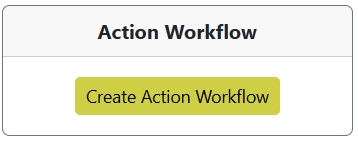
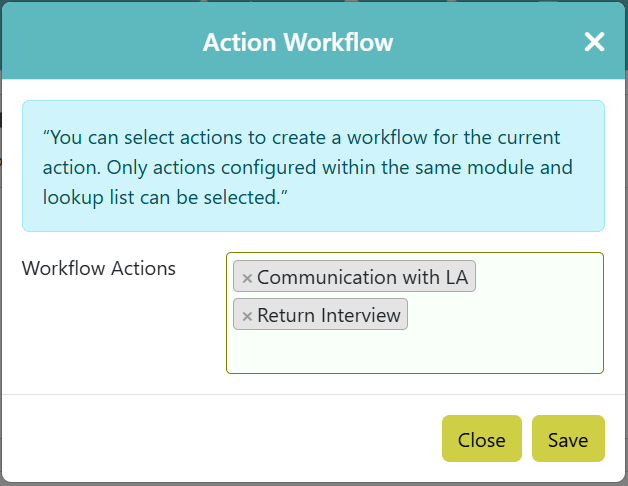
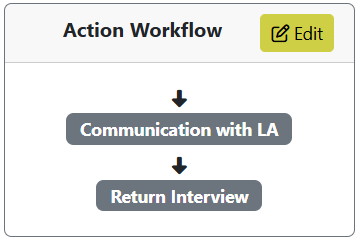
To get started: Master progress actions and the subsequent follow up actions have to be defined in the action lookup list. Against the master action, under “Action Workflow” add the relevant follow up actions and define the workflow order.
Child or family records that have got a master progress action (as setup via the action lookup list) recorded in the last 3 months will be listed.
Amend the dates to return more records. Under column “Action” click the action to list each “Workflow Action”.
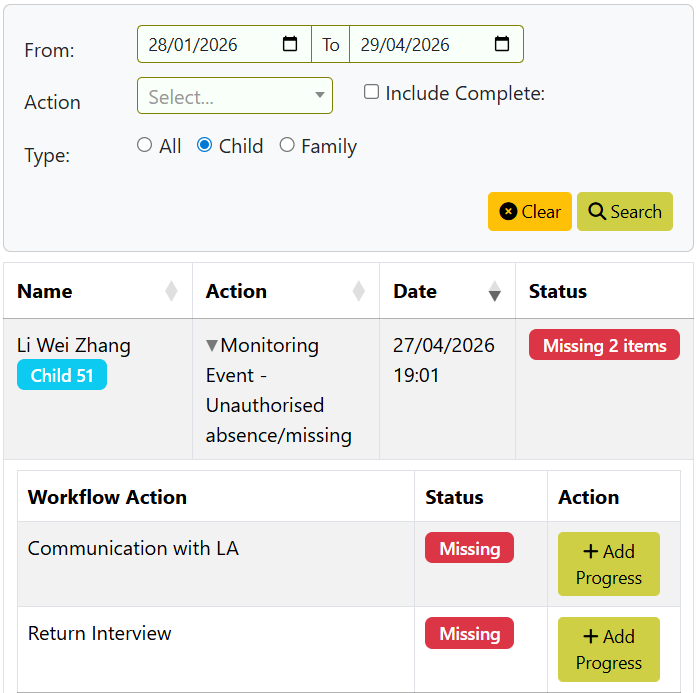
Under column “Status” any workflow action will show as “Missing” if it is not yet recorded in progress, or, it exists in progress but is not linked to the master action.
Users can add missing workflow actions directly from the widget, and these actions are automatically linked to the master record. Once all required follow-up actions have been added, the master action can then be completed, by clicking on “Complete” to enter an End Date.
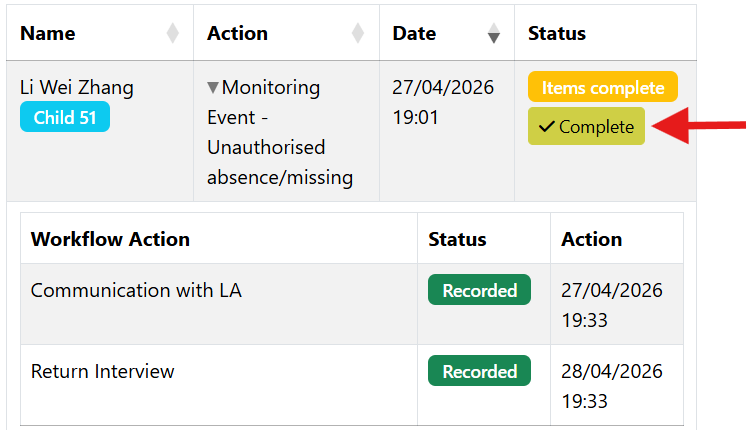
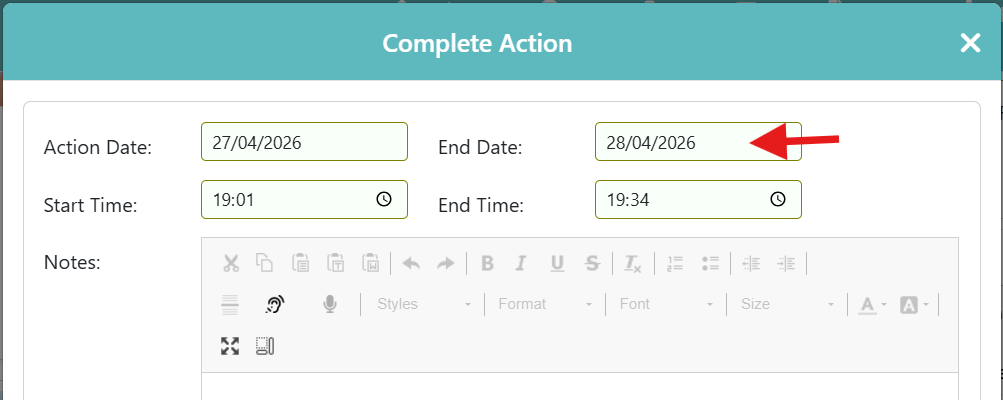
This ensures that no steps are missed and supports regulatory compliance.
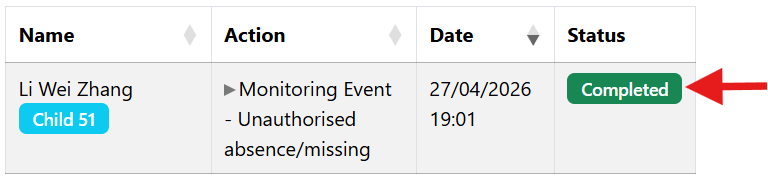
If a master progress action has got an end date, these will be excluded from the list by default. These rows can be included by ticking “Include Complete”.