Within CHARMS it is possible to leave comments against Progress actions, such as those on Children and Families.
Comments are a great way to bring a user's attention to a particular progress action.
The alert on the Main Menu for 'Unread Progress Comments' will show a count of any comments you have been tagged into, that are unread against progress records in the module logged into.

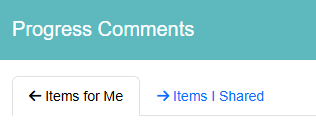
Clicking on this notification will pop open the Progress Comments window. This is separated into two tabs: ‘Items for Me’ (comments where you’ve been tagged) and ‘Items I Shared’ (comments and progress items you’ve tagged others in).
Click the X to indicate that you have read the comment and it will be removed from the list.
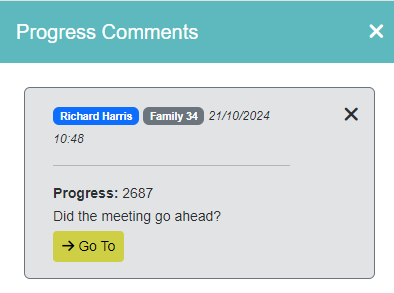
Clicking 'Go To' takes user to the progress screen and will filter to the progress ID.
Please Note: Users will only have access to the progress item they have permission to see, e.g. progress marked as 'high sensitivity' is only visible to users with 'VIEW_HIGH_SENSITIVITY_LEVEL_PROGRESS'.
¶ Adding and Viewing Comments
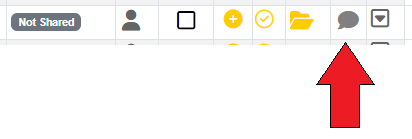
Users have the ability to add and read comments on progress actions. This is accessed via the 'Comment' icon on each progress row.

The comment icon will be:
Grey = no comment associated to progress entry.
Blue = comments are associated to progress entry.
Green = comments are associated, that current user is tagged in but not yet read.
Users can tag other users in comments to notify or bring it to their attention. Users will be notified of comments that they have been tagged in, but not yet read on the Main Menu > Alerts panel.
To add a new comment click the comment/speech bubble icon next to the progress action you want to record it against.
Type your comment and click 'Save'.
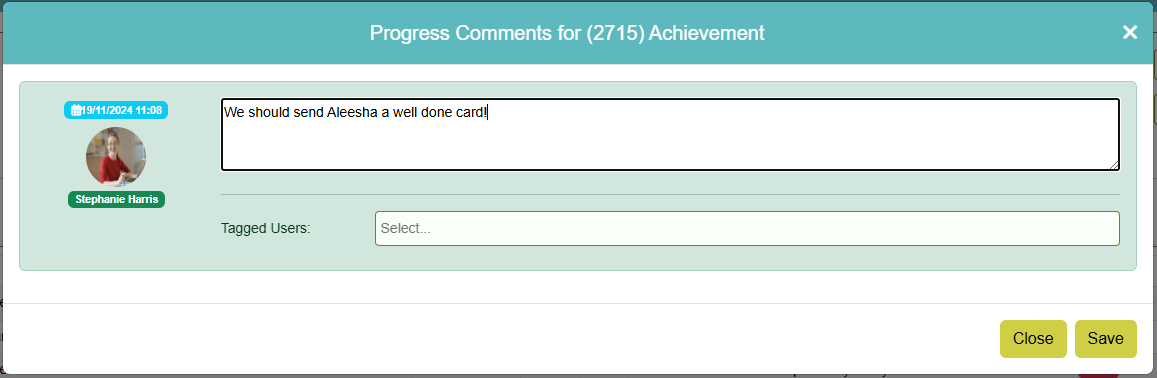
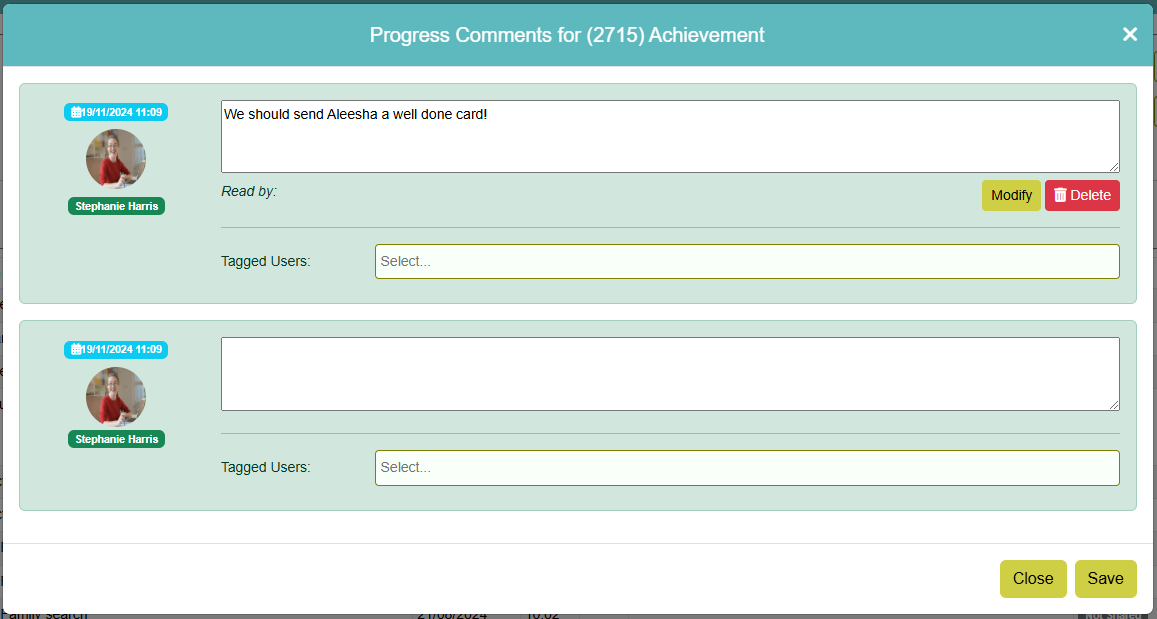
Click 'Modify' if you need to amend your comment, or 'Delete' if you wish to delete it. To bring a specific user/users attention to the comment you can tag them by clicking in the 'Tagged Users' box, then selecting the user/s from the dropdown and clicking 'Save'. This will send the selected user/s an alert on their CHARMS Main Menu.
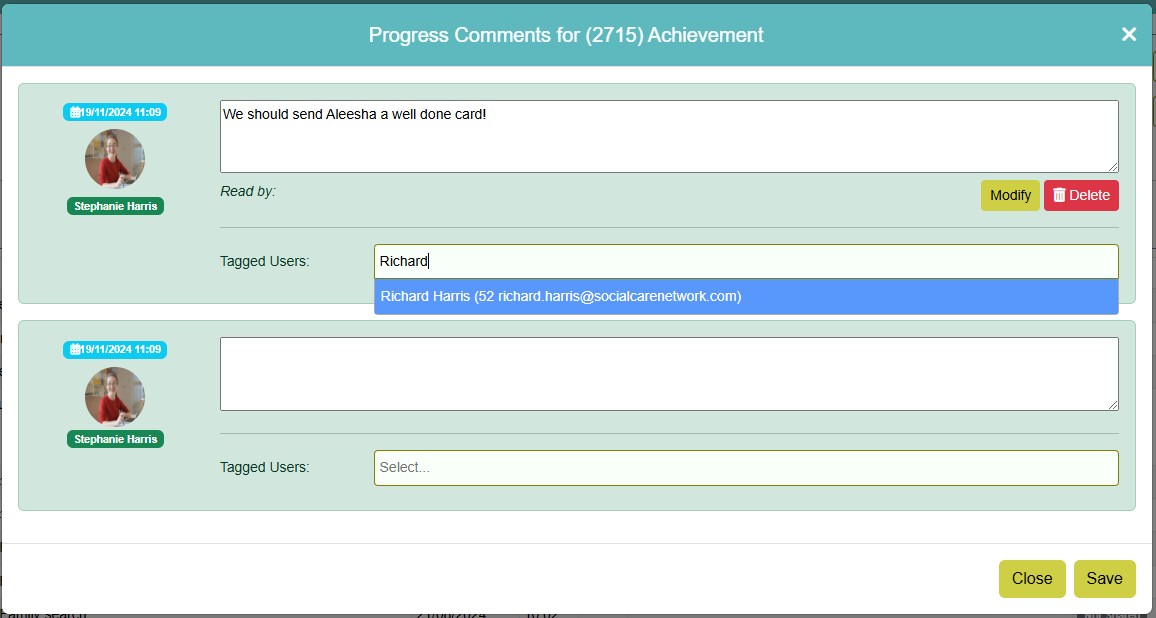
Please Note: When using ‘Tag User’ the list of users are active (not archived), in the current module, and only those with the standard ‘USERS’ licence code. (The function is not available for Carers, Panel or Third Party users etc). SCN users will also see SCN users listed.
Only the user that added the comment can Edit, Tag User or Delete a comment. The user that added the comment will be output within the comment box along with the date and time added. Any users tagged in are output above the comment box.
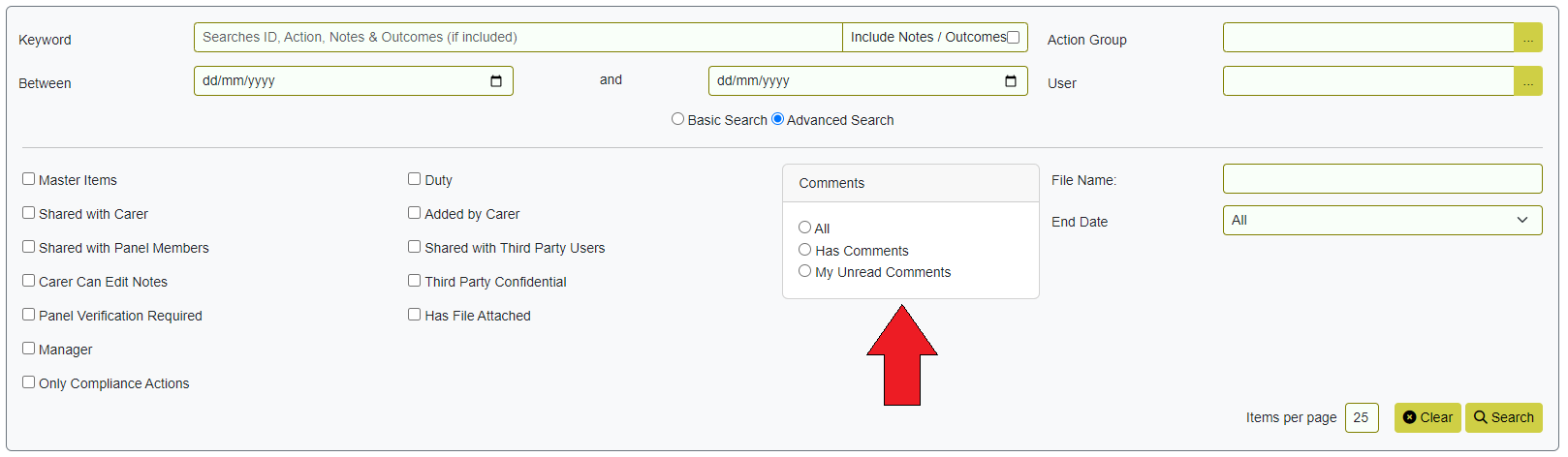
Users can filter in the ‘Advanced Search’ options for:
- Has comments
- My unread comments